TNeCOA Matrimony Registration Procedure
Registration is done only through authorized TNeCOA Member Centers. Below is the step-by-step visual guide explaining how to register, verify, and complete your matrimony profile.

Registration is done only through authorized TNeCOA Member Centers. Below is the step-by-step visual guide explaining how to register, verify, and complete your matrimony profile.
Go to your nearby TNeCOA Member Center to begin registration. Each center is officially approved by TNeCOA to ensure authenticity and transparency.
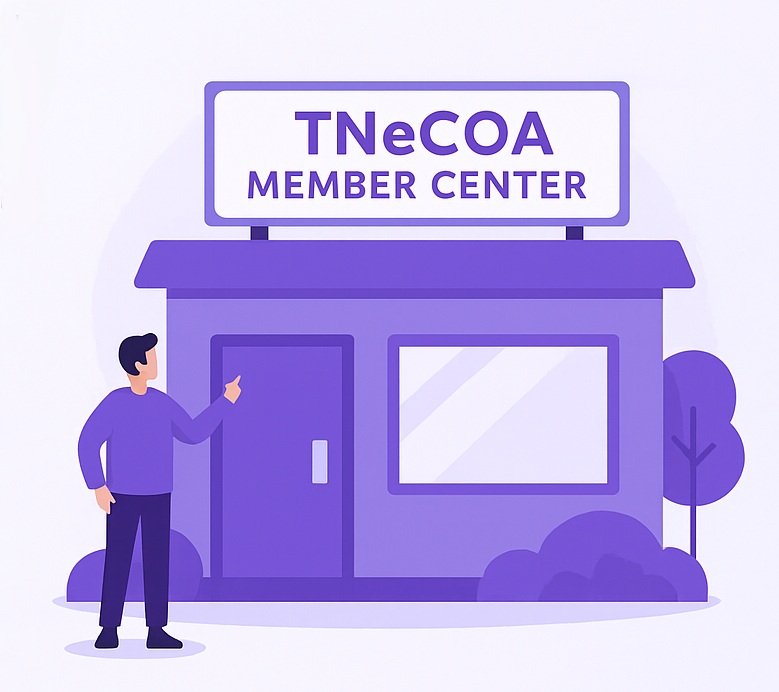
The authorized member will help you fill out your profile with your essential personal and contact information. They’ll ensure all details are entered correctly before submission.

To complete your registration, you must provide the following details and documents for a verified profile:
Provide a recent passport-size or profile photo for identity verification.
Share complete personal and family details to build a genuine matrimony profile.
You can submit a scanned or digital horoscope for compatibility matching. Note: Not mandatory for Christian and Muslim members.

Once all details are submitted, the TNeCOA admin team will review and verify your application. Approved members will receive login access to the Matrimony Portal within 24–48 hours.

Access your Matrimony Dashboard and manage profiles securely.
Member Login